What is RAID (Redundant array of independent disks)?
RAID combines several disks into one volume so that a failed disk does not lose your footage. Many NVRs and servers offer RAID 1, 5, 6 or 10.
On this page
A RAID set writes data across disks in a way that survives a failure. When one disk dies, you replace it and the array rebuilds, while recording continues. Without RAID, one dead disk can mean lost footage.
The letters stand for redundant array of independent disks. An older form says inexpensive disks. Some NVRs call their own method RAID or use a vendor name for a similar feature.
What does RAID mean?
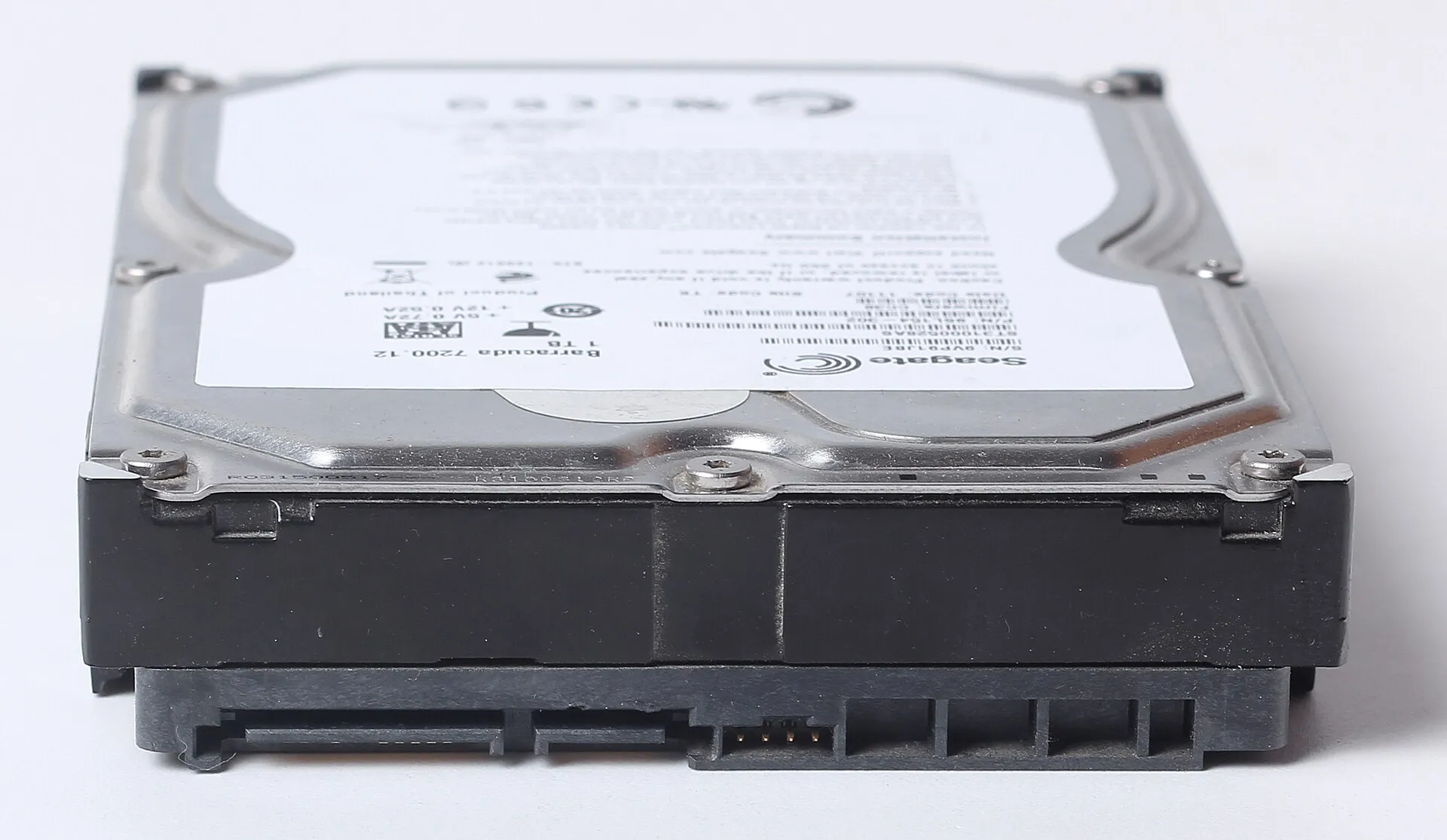
It is a way to treat several drives as one, either for speed, for safety or for both. In CCTV the reason is safety. Footage is often needed after an incident, and the disk that fails is often the one that holds it. See surveillance hard drive.
RAID levels used for CCTV
The common levels, and what each gives you:
- RAID 0: stripes data across disks for speed. No protection. One failure loses everything. Not for CCTV.
- RAID 1: mirrors two disks. One can fail. Usable space is one disk.
- RAID 5: needs at least three disks. One can fail. Usable space is all disks minus one.
- RAID 6: needs at least four disks. Two can fail. Usable space is all disks minus two.
- RAID 10: needs four disks, mirrors in pairs and stripes across them. One per pair can fail. Usable space is half.
Which level to choose
For a few disks, RAID 5 is the usual balance of cost and safety. With larger disks or eight or more bays, RAID 6 is safer because rebuilds take long and a second failure during a rebuild is a real risk. RAID 1 suits a two-bay recorder where footage matters more than capacity. RAID 10 is faster to rebuild, at the cost of half the space.
Plan capacity after the RAID overhead is removed. See how long to keep CCTV footage and retention.
What RAID does not protect against
RAID is not a backup. It does not help if the recorder is stolen, burnt or hit by a power surge, if someone deletes footage, or if the controller fails. For incident footage, export a copy to separate storage. See CCTV evidence export in Nepal and chain of custody.
Also remember that a degraded array still records, so you must notice the failure and replace the disk quickly.
RAID in NVRs and DVRs
Entry NVR and DVR models usually record to each disk separately, with no RAID. Mid and high models with 8 or more bays often add RAID. Others offer an N+1 hot spare instead. Check the manual for what is supported, and whether you can hot swap a disk without turning the recorder off.
What NVR makers say about RAID and spares
Axxon's video-archive documentation describes RAID 5 as widely used for smaller archives and RAID 10 as rarely used because of low disk efficiency. ACTi notes that rebuild times with large disks can be long on RAID 5 and recommends RAID 6 for larger arrays. These recommendations come from vendors who sell the recorders, but they agree with general practice.
Some recorders offer an N+1 hot spare instead of RAID. A standby recorder takes over when a main recorder fails. Hikvision documents this for some NVR models, and says the spare can take over one failed device at a time. That protects against a recorder failing, which RAID does not.
Rebuild time and the second failure
When a disk fails, the array keeps recording but is exposed. The rebuild reads every other disk fully, which takes many hours on large disks and loads the survivors. If a second disk fails during the rebuild on RAID 5, the array is lost. This is the reason larger arrays use RAID 6. Use disks of the same size, buy a spare disk in advance, and get alerts for disk errors rather than finding out from the screen.
Off-site copies and LunaCam
RAID keeps the recorder going. For footage that must survive theft or fire, LunaCam supports a hybrid local and cloud copy, and exports with a signed manifest and checksum so a copy can be proved unchanged. See cloud recording and evidence.
Questions people ask about RAIDs
What is the full form of RAID?
Redundant array of independent disks. The older expansion is redundant array of inexpensive disks.
Is RAID 5 good for CCTV?
It is a common choice for three to six disks. It survives one failure. With very large disks, RAID 6 is safer.
Is RAID a backup?
No. It protects against a disk failure only. Theft, fire, deletion and controller faults can still lose footage.
Does my DVR support RAID?
Many small DVRs do not. Check the manual or specification for RAID or disk array support.
What happens when a RAID disk fails?
The array keeps recording in a degraded state. Replace the failed disk and the array rebuilds. Another failure before the rebuild ends can lose data on RAID 5.
What RAID level should I use for 4 disks?
RAID 5 gives three disks of space and survives one failure. RAID 6 gives two disks of space and survives two. RAID 10 gives two disks of space and is quicker to rebuild.
Do I need RAID if I export important footage?
Exporting important clips is the backup that matters. RAID adds protection for the footage you did not export.